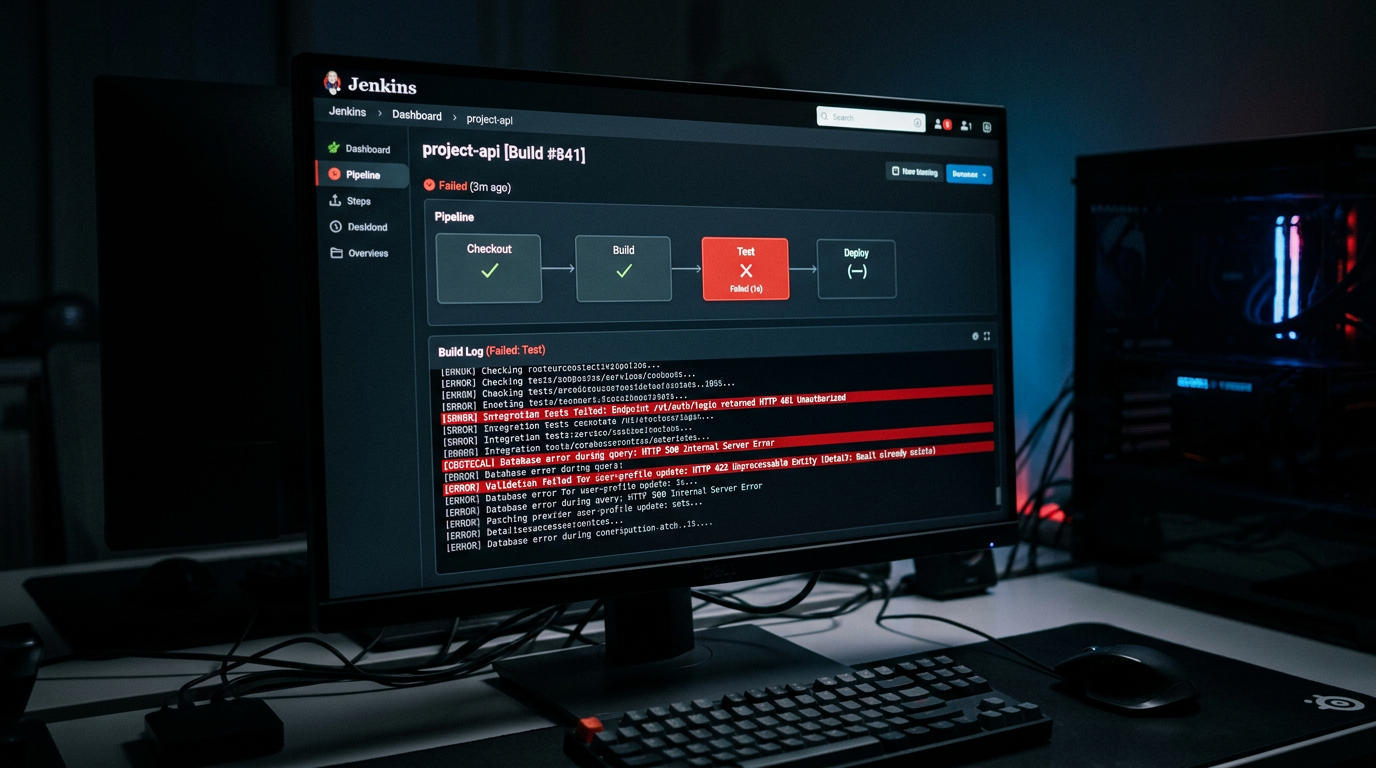
How to Debug API Errors in CI/CD Pipelines with APXY
API test failures in CI are notoriously hard to debug. You cannot reproduce the environment locally, logs are incomplete, and re-running the pipeline costs time. Running APXY alongside your test suite captures the exact traffic that caused the failure.
API test failures in CI have a specific kind of frustration: the test fails, the log says something vague like expected 200, got 401, and there is no way to see the actual request that was sent. You re-run the pipeline. It passes. Now you have a flaky test instead of a fixed bug.
The root cause is almost always visible in the network traffic — the wrong header, a missing body field, an expired credential baked into the test environment. APXY captures that traffic automatically and surfaces it when the test fails.
The approach
The workflow is:
- Start APXY alongside your test suite in CI
- Route the test process through the proxy
- Run the tests
- On failure, export or query the captured traffic to see the exact requests that failed
- Optionally save a HAR file as a CI artifact for post-mortem review
No changes to your test code. No custom middleware. APXY runs as a sidecar process.
Step 1: Install APXY in your CI environment
Add the install step to your CI config. Here is an example for GitHub Actions:
- name: Install APXY
  run: curl -fsSL https://apxy.dev/install.sh | bash
Verify it installed:
apxy --versionStep 2: Start the proxy before your tests
- name: Start APXY proxy
  run: |
    apxy start --no-system-proxy --web-port 0 &
    sleep 2
--no-system-proxy tells APXY not to try to configure the system proxy (CI environments often do not support this). --web-port 0 disables the Web UI since you do not need it in CI. The sleep 2 gives the proxy a moment to initialize before the tests start.
Step 3: Route your tests through the proxy
Set the proxy environment variables so your test runner and any HTTP clients route through APXY:
- name: Run tests
  env:
    HTTP_PROXY: http://localhost:8080
    HTTPS_PROXY: http://localhost:8080
    NODE_EXTRA_CA_CERTS: ~/.apxy/certs/ca.crt
    SSL_CERT_FILE: ~/.apxy/certs/ca.crt
    REQUESTS_CA_BUNDLE: ~/.apxy/certs/ca.crt
  run: npm test
Or use apxy env to generate these variables:
- name: Run tests with APXY proxy
  run: |
    eval $(apxy env)
    npm test
Step 4: Capture failures
After the tests run, query for any failed requests:
- name: Show failed API calls
  if: failure()
  run: |
    echo "=== Failed API calls ==="
    apxy logs list --status 4xx,5xx --format markdown
    echo ""
    echo "=== All captured traffic ==="
    apxy logs list --format toon --limit 100
The if: failure() condition means this step only runs when the test step has failed — exactly when you need the diagnostic output.
Step 5: Export a HAR file as a CI artifact
Save the full traffic capture as a HAR file attached to the CI run. This gives you a complete, downloadable record of every API call made during the test run:
- name: Export traffic as HAR
  if: always()
  run: apxy logs export-har > test-traffic.har

- name: Upload traffic artifact
  if: always()
  uses: actions/upload-artifact@v4
  with:
    name: api-traffic-${{ github.run_id }}
    path: test-traffic.har
Open the HAR file locally in APXY, Charles Proxy, or your browser's Network panel for full inspection:
apxy logs import-har --file test-traffic.har
apxy logs list --format markdown
A complete GitHub Actions example
name: Test with API traffic capture

on: [push, pull_request]

jobs:
  test:
    runs-on: ubuntu-latest
    steps:
      - uses: actions/checkout@v4

      - name: Install Node.js
        uses: actions/setup-node@v4
        with:
          node-version: 20

      - name: Install APXY
        run: curl -fsSL https://apxy.dev/install.sh | bash

      - name: Start APXY proxy
        run: |
          apxy start --no-system-proxy --web-port 0 &
          sleep 2

      - name: Install dependencies
        run: npm ci

      - name: Run tests
        run: eval $(apxy env) && npm test

      - name: Show failed API calls
        if: failure()
        run: apxy logs list --status 4xx,5xx --format markdown

      - name: Export traffic artifact
        if: always()
        run: apxy logs export-har > test-traffic.har

      - name: Upload artifact
        if: always()
        uses: actions/upload-artifact@v4
        with:
          name: api-traffic-${{ github.run_id }}
          path: test-traffic.har
Common CI failure patterns you will find
401 / 403 in CI only. The test environment uses a different credential than your local setup — stale token, wrong environment variable, or a credential that was rotated. The captured request will show the exact Authorization header sent.
Timeout failures. Your tests mock network timing locally but the real service in CI is slow. Check the Duration column in APXY's traffic output to identify slow calls.
404 from wrong base URL. A hardcoded URL in test setup that differs between environments. The captured URL will show exactly which host and path was called.
Request body mismatch. The API returns 422 or 400 because the body structure changed after a code update. APXY captures the full request body so you can diff it against the API documentation.
Mocking in CI to remove external dependencies
If your tests call a third-party API that is rate-limited, unreliable, or costly to call in CI, use APXY to mock it:
- name: Add mock rules for external APIs
  run: |
    apxy mock add \
      --name "mock-stripe" \
      --url "https://api.stripe.com/v1/*" \
      --match wildcard \
      --status 200 \
      --body '{"id":"pi_mocked","status":"succeeded"}'
Your tests run against the mock. The traffic is still captured so you can see the exact requests your code is making — you just control the responses.
For more on how to structure mock rules, see How to Mock a REST API in 5 Minutes with APXY and The Real Cost of Flaky API Tests.
Debug your APIs with APXY
Capture, inspect, mock, and replay HTTP/HTTPS traffic. Free to install.
Install FreeRelated articles
What is API Mocking? A Developer's Guide
API mocking lets you simulate a real API without calling it. This guide explains what it is, why developers use it, when to mock vs when not to, and how to get started in under five minutes.
InsightThe Real Cost of Flaky API Tests
A test that sometimes passes and sometimes fails is not a test -- it is noise. Here is what flaky API tests actually cost your team, and what to do about it.