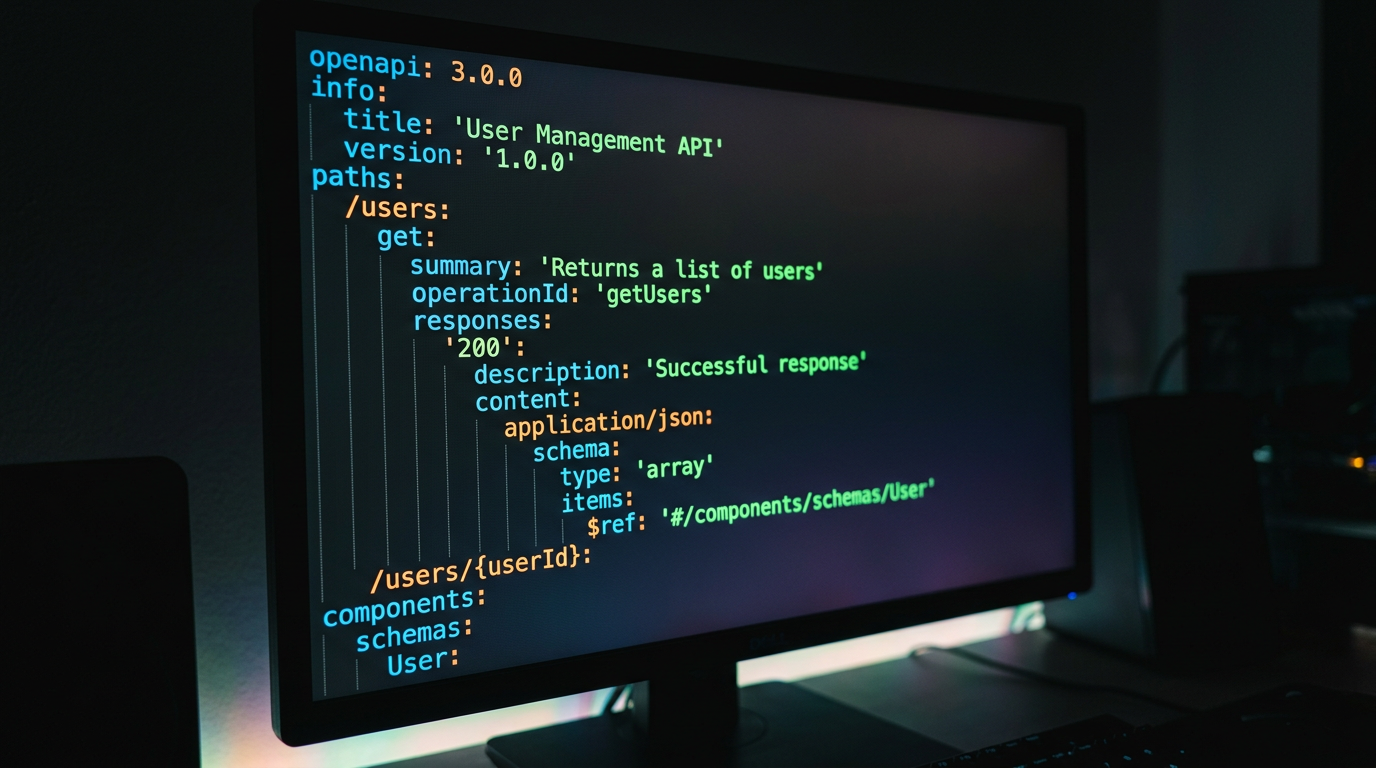
How to Validate API Contracts with OpenAPI and APXY
Import an OpenAPI spec into APXY and validate your live traffic against it. Find requests your code sends that don't match the spec — before they become production bugs.
OpenAPI specs describe what an API is supposed to look like. Your application describes what it actually does. The gap between those two things is where bugs live — wrong field names, missing required headers, incorrect body shapes that the API happens to accept in development but rejects in production.
APXY can import an OpenAPI specification and validate your captured traffic against it automatically. This guide walks through the full workflow.
What schema validation catches
- Request fields your code sends that the spec says are invalid — extra fields in POST bodies, wrong parameter names, incorrect types
- Required fields your code omits — headers or body properties marked as required in the spec but not present in the request
- Response shapes that don't match — if your API returns data that does not match its own spec, that is a documentation or implementation bug you want to know about
- Path mismatches — calling an endpoint path that does not exist in the spec
Step 1: Import your OpenAPI spec
You can import from a local file or a remote URL.
From a file:
apxy schema import --name "my-api" --file ./openapi.yamlFrom a URL (for example, a Swagger endpoint):
apxy schema import --name "petstore" --url "https://petstore.swagger.io/v2/swagger.json"Both OpenAPI 2.0 (Swagger) and OpenAPI 3.x are supported.
Verify the import:
apxy schema listOutput:
[
  {
    "id": "sch_abc123",
    "name": "my-api",
    "imported_at": "2026-06-10T10:30:00Z",
    "endpoint_count": 24
  }
]
Note the schema ID — you will use it for validation commands.
Step 2: Capture some traffic
Start the proxy and exercise your application:
apxy startThen run your app and perform the workflows you want to validate — a login flow, a data fetch, a form submission. Any traffic your application sends through the proxy is automatically captured.
# Check what was captured
apxy logs list --limit 10 --format markdown
Step 3: Validate recent traffic against the spec
The fastest validation path is validate-recent, which checks the most recent captured records against all imported schemas:
apxy schema validate-recent --limit 50This runs validation on the last 50 captured requests and reports any violations. The output identifies the record, the schema rule that was violated, and whether the violation is in the request or the response.
Step 4: Validate a specific record
If you know the ID of a particular record — for example, a request that returned an unexpected error — validate it directly:
apxy schema validate --record-id rec_xyz789 --schema-id sch_abc123This gives you a focused report on exactly that request: was it sent correctly, and did the response match the spec?
A real example: catching a silent contract break
Suppose your team updated an API endpoint to require a new X-Client-Version header. The spec was updated, but the frontend was not.
- Import the updated spec:
apxy schema import --name "my-api-v2" --file ./openapi-v2.yaml-
Run the frontend through the proxy and capture traffic.
-
Validate:
apxy schema validate-recent --limit 20The output flags every request missing the X-Client-Version header as a violation. You have just found the contract break before it reaches production — without writing a test, without a code review comment, and without waiting for the API team to add server-side validation.
Combining with CI
Schema validation works well as a post-test-run check in CI:
- name: Validate API contracts
  run: |
    apxy schema validate-recent --limit 100
If any captured requests violate the spec, the command exits with a non-zero code and CI fails. This turns schema drift into a hard failure rather than a silent warning that gets noticed weeks later.
Managing multiple specs
If your application talks to multiple APIs, import a spec for each one:
apxy schema import --name "users-api" --file ./specs/users.yaml
apxy schema import --name "payments-api" --file ./specs/payments.yaml
apxy schema import --name "notifications-api" --file ./specs/notifications.yaml
validate-recent checks all of them in one pass. You get a single report covering every API your application calls.
Cleaning up old specs
When a spec is superseded, delete the old version to avoid false positives:
apxy schema list -q  # get IDs
apxy schema delete --id sch_old123
The broader picture
Schema validation catches a specific category of bug: the gap between what your code sends and what the spec says it should send. It does not replace integration tests or end-to-end testing — but it runs on top of traffic you are already capturing, with no additional test code required.
Pair it with the traffic capture workflows in How to Debug a Failing API Call with APXY and the CI setup in How to Debug API Errors in CI/CD Pipelines for a complete quality layer over your API integration.
Debug your APIs with APXY
Capture, inspect, mock, and replay HTTP/HTTPS traffic. Free to install.
Install FreeRelated articles
What is API Mocking? A Developer's Guide
API mocking lets you simulate a real API without calling it. This guide explains what it is, why developers use it, when to mock vs when not to, and how to get started in under five minutes.
GuideToken Optimization: Fitting API Traffic into Your AI Agent's Context Window
Raw HTTP traffic is verbose. A single request-response pair can consume thousands of tokens. APXY's output formats compress traffic by 60–90% while keeping the information your agent actually needs to diagnose issues.